Platform Capabilities
A detailed look at what PIwitness includes — from field capture to report export.
Field Capture
Document observations as they happen — on your terms, at your pace, with or without a signal.
Text Entry
Type observations directly on any device. Every entry is automatically stamped with the time and GPS coordinates — no manual logging required.
Voice Capture
Dictate observations hands-free using built-in voice-to-text. Keep your eyes on the subject while your notes write themselves.
Photo Logging
Photograph subjects, vehicles, locations, and evidence. Photos are embedded in your reports and export as numbered photo logs with captions and metadata.
GPS & Location
Every entry is automatically tagged with GPS coordinates, giving your documentation court-verifiable location context without extra steps.
Auto Timestamps
Precise time-stamping on every entry, down to the second. No more checking your watch or estimating times after the fact.
Quick Actions
Pre-built buttons for common field observations — tap to log standard phrases instantly so you can keep your focus on the assignment.
AI Report Generation
Your raw field notes become professionally structured investigative reports — formatted to PI industry standards.
Structured Report Output
AI takes your chronological entries and structures them into properly formatted surveillance or SIU investigation reports — including cover sheet, Quality Control Assurance section, Administrative Header, Facts of Loss, Objectives, Details narrative, Recommendations, and Photo Binder.
Industry-Standard Terminology
Reports use correct PI language — proper vehicle and subject description orders, first-sighting identification language, approved phrasing for broken contact, and consistent capitalization of Subject, Investigator, and Client.
Perspective Toggle
Generate reports in first person or third person. The entire report consistently uses your selected perspective — no mixed pronouns or awkward shifts.
Quality Control Assurance (QCA)
Fill in video information, identity verification status, hotel stay, and travel expenses before generating. These fields populate the QCA section on the report cover sheet — a standard section required by most insurance carriers and SIU departments.
Phrase Library
Access pre-written professional phrases organized by category. Save favorites and create custom phrases your whole agency can use.
Evidence Integrity
Provable chain of custody for every piece of documentation you create — built for court, not just convenience.
SHA-256 Hashing
Every field entry is cryptographically hashed at the moment of creation. The hash serves as a digital fingerprint, so any later change is visible and the original stays on record.
Edited, Never Erased
Field entries can't be deleted. If you correct one, the original wording, time and fingerprint are kept in its history with who changed it, when and why, and the raw field log shows every version. Supplemental notes can be added as new, separately hashed entries.
Dual Time Tracking
Auto-tracked times from your field session are preserved as an immutable reference. Editable billing fields sit alongside them, so you can adjust for breaks and travel without altering the original record. Add database research, telephone inquiries or a canvass that isn't in your notes, with the time spent and what it was for.
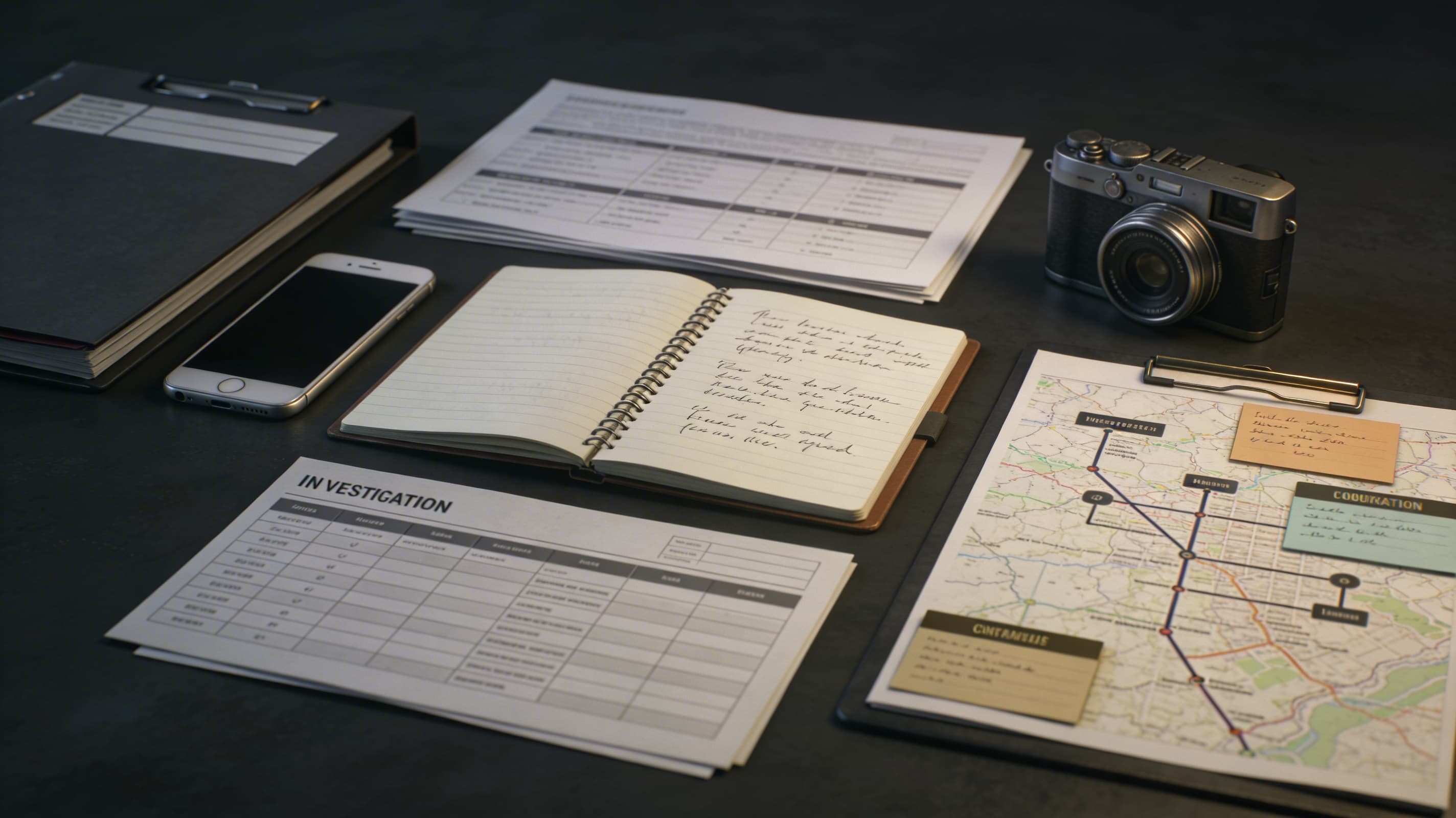
Built around the real tools of investigative work — capturing details, organizing evidence, and supporting cleaner reporting.
Offline & Mobile
Designed to work wherever the job takes you — parking lots, rural areas, dead zones. No signal required.
Offline-First Architecture
All entries save to your device first, then sync to the cloud when you have a connection. You never lose work because of a dropped signal or a surveillance location without Wi-Fi.
Mobile-Ready
Fully responsive on any phone, tablet, or laptop. Install PIwitness as a Progressive Web App for instant access from your home screen — no app store needed.
Sync Status Indicator
A clear visual indicator shows exactly which entries have synced and which are still pending. Background sync runs automatically whenever connectivity returns.
Export & Billing
Deliver professional work product to clients and track your time accurately — all from one place.
PDF Export
Generate professional PDF reports with your letterhead, confidential banners, cover sheets, and page numbers. Ready to send directly to your client or attorney.
Word Export
Export editable DOCX documents with full formatting for clients, attorneys, or adjusters who need to annotate or reference specific sections.
Photo Log Export
Produce numbered photo logs with embedded images, captions, and timestamps. Each photo tied to the entry and location where it was taken.
Time & Mileage Billing
Track travel time, on-case time, breaks, idle periods, and mileage per day. Auto-calculated totals with fully editable fields for accurate client invoicing.
Invoicing & Payment Terms
Generate an invoice from Time & Billing in one click with your hourly, per-serve or flat-fee rates, expense markup and tax. Payment terms from due on receipt to Net 45, or your own; send the PDF to your client.
Receipt Capture
Photograph a hotel, meal, fuel or parking receipt on your phone. Enter the amount and it lands on Time & Billing for that day and on the next invoice, with the receipt image kept in the case file. No receipt for a toll or a meter? Type it in as an expense.
Case Files, Recording & Forms
Everything that belongs to a case in one place: documents, screenshots, interviews, forms and question sets.
Files, Documents & Screenshots
Add papers you collect, PDFs and Word files, and screenshots of text messages or social media to any case, from your phone or computer. Each file gets a SHA-256 fingerprint and a note of who it came from.
Interview & Video Recording
Record audio or video in the app, with narration or with sound off. A consent script with the date, time, your name and license number, the interviewee and the case number appears when the interview starts.
Interview Question Banks
Ready-made question sets for workers' comp, surveillance, background checks, domestic cases, process service, accident, recovery and executive protection, plus your own questions. Answers save to the case.
Investigative Forms
Cover sheets, witness interviews, scene documentation, affidavits of service and due diligence, vehicle inspections, protective advance surveys and incident reports, filled in from the case.
Your Own PDF Forms
Upload a client's fillable PDF form once and PIwitness fills it from the case every time, with revisions, a final locked copy and a fingerprint.
Secure Client Share Links
Send your client a link to view and download the case's photos, video, audio and documents, each with its fingerprint. Links can expire and every view is logged.
Surveillance Video Editor
Turn a day of footage from any camera into one finished, time-stamped video, with the originals untouched and every edit on record.
Accurate Time-Stamps
The corrected recording time is burned into the picture, second by second, in the corner, size and font you choose. Wrong camera clock? Pause on a frame where you know the real time and type it, for one clip or the whole camera.
Edit Any Camera's Video
Phone, camera, DVR and dashcam formats (MP4, MOV, AVI, WMV, MKV, MTS, MPG, DAV) play in the browser at up to 8x. Line up several cameras by time, leave out dead time, reorder, rotate and adjust brightness and contrast.
PIwitness Intelligence Suggestions
Each video is looked through for stretches with no movement, too dark, blurry or shaky. Leave them out with one click, or not; nothing is cut unless you choose it.
Branded Exports
Your logo, a title screen filled in from the case, date screens, closing screen and photo slideshows. MP4, AVI, WMV or MPEG-2, sound on or off, split into pieces by size. The finished video lands in the case, fingerprinted, ready for a client link.
Project Action Report
A PDF for court: each original's SHA-256 fingerprint, the time in the file and the corrected time, every part left out, every picture change, the export settings and output fingerprints, and the full edit history.
Time-Stamped Stills
Save any frame from the original video at full resolution, with the time-stamp on it, straight into the case's numbered Photo Log.
Team & Agency
Built for solo investigators and multi-investigator agencies. Consistent quality, shared resources, centralized management.
Organization Accounts
Your investigators work under one agency account with shared cases, settings, letterhead and phrase libraries. New investigators get up to speed with your documentation standards immediately.
Team Roster & Case Assignment
Invite investigators yourself. Each person's card shows armed or unarmed, PI license, PERC, Firearm Control Card, FOID and concealed carry numbers with expiration warnings, services and rates, and territory covered. Assign a case and the investigator gets an email with the case and its safety flags.
Case Management
Eleven case types, each with its own fields, quick actions, questions, forms and report layout: surveillance, SIU, workers' comp, background checks, infidelity, insurance fraud, skip tracing, process service, accident, asset recovery and executive protection, plus your own custom types.
Executive Protection Details
Plan protective details with the Principal, threat level, an agent roster marked armed or unarmed, venues, routes, motorcade, lodging and emergency procedures; log movements and incidents in the field.
Team Calendar
One calendar for shifts, protective details, court dates, depositions, service attempts and deadlines, in month, week, day and list views. Assign investigators, color by type or by person, see serve-by and hearing dates from your cases automatically, and sync it to Google, Outlook or an iPhone. Every change is kept in the item's history.
Danger Flags
Visual red warning badges for known violent subjects, weapons, gang affiliation, and other safety concerns. Flags display on every screen where the case appears — investigator safety comes first.
Spend Less Time Writing. More Time Investigating.
See how PIwitness fits into your workflow. Choose a plan or request a walkthrough.
Get Started